Blog
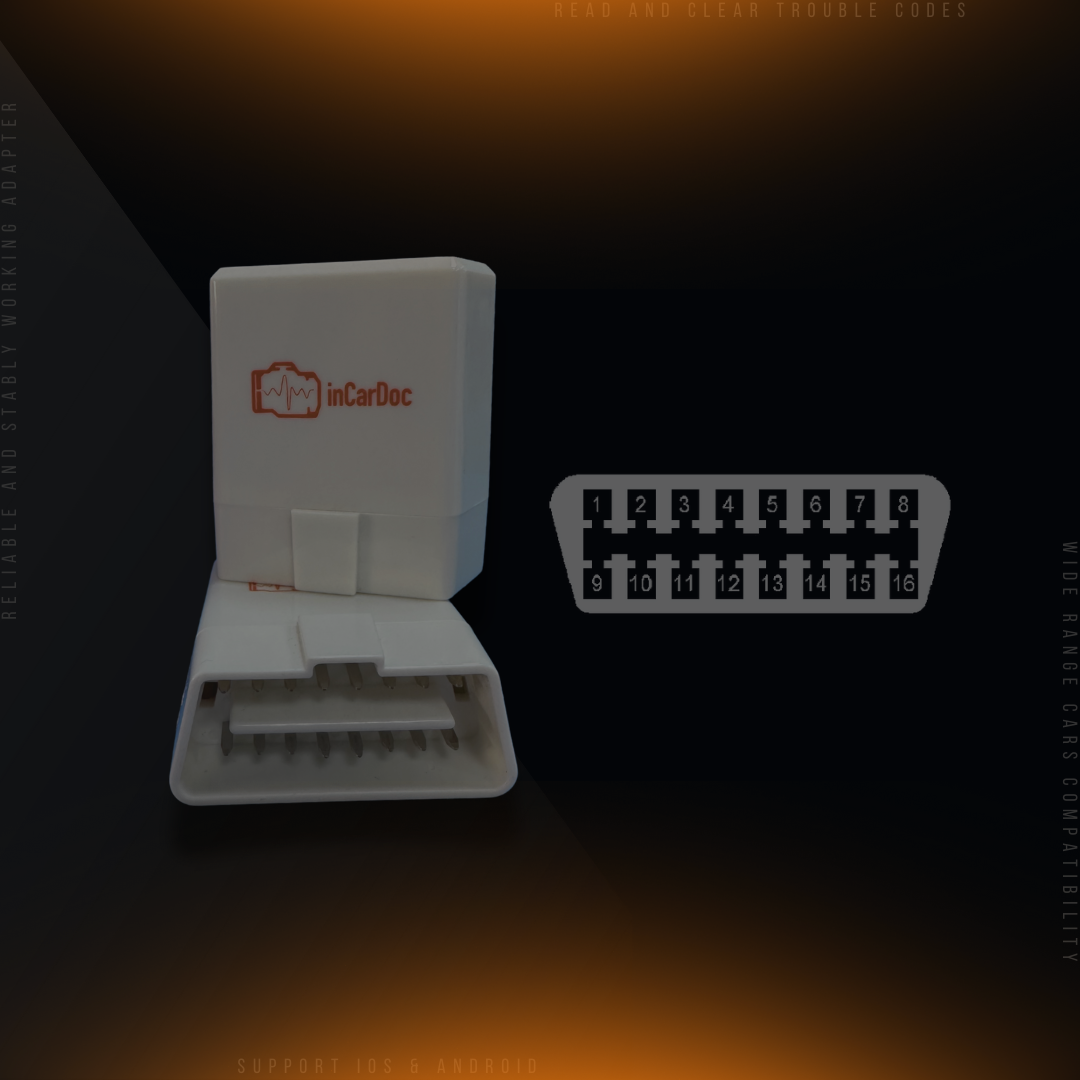
Are All OBD Ports The Same? OBD II Ports - Differences and Locations
The creation of a common for all cars diagnostic port OBD II was associated with the deterioration of the environmental situation. In this case requirements to the technical inspection became stricter: it was mandatory to check the status of the ECU (electronic control unit) of the car.
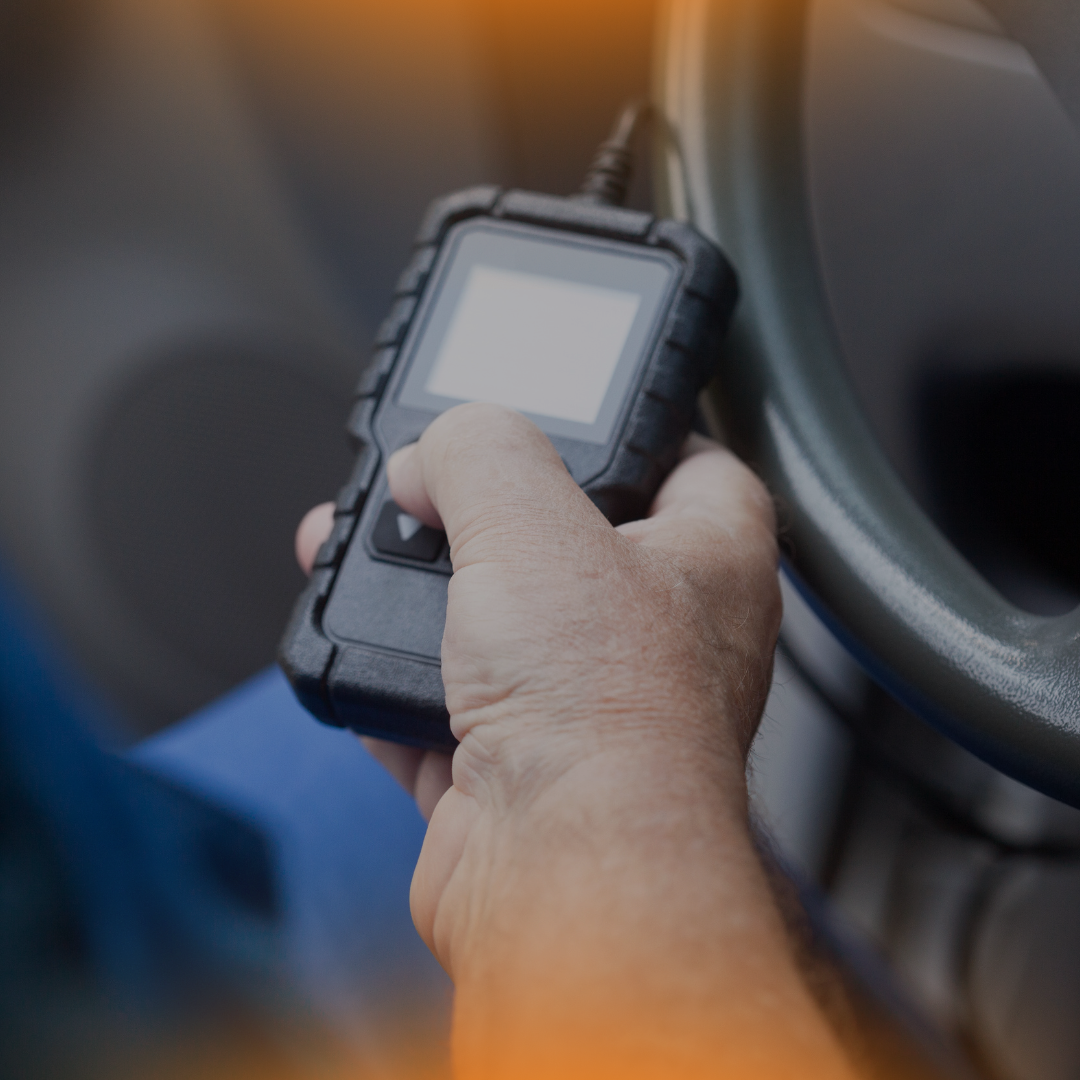
How to make a personal car diagnostic scan tool with your phone, Bluetooth adapter, and app?
InCarDoc is a universal, diagnostic application that is very useful driver assistant. With our app, you have the opportunity to get to know better your car inside. A huge number of car problems can be determined through self-diagnostics
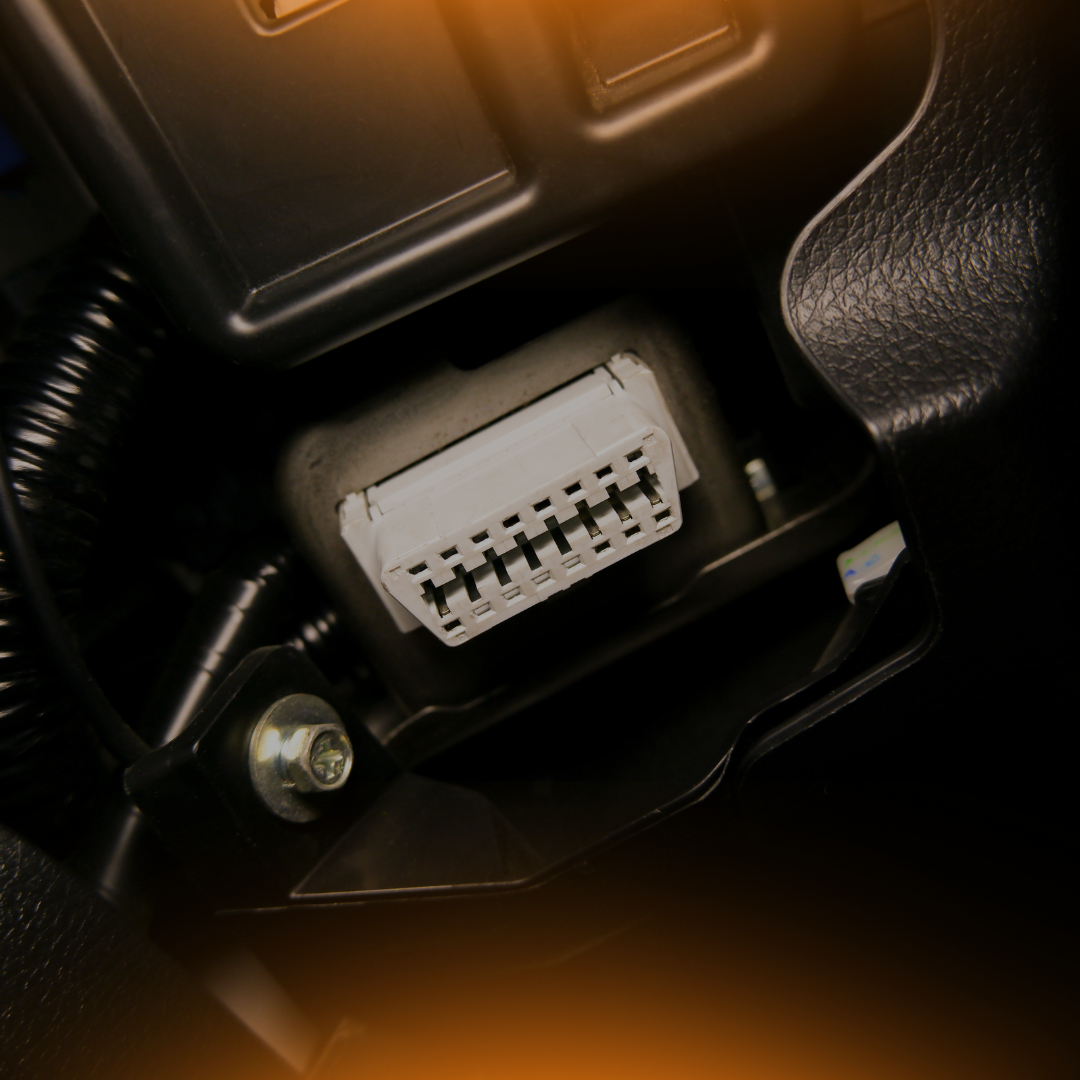
What cars are supported
App InCarDoc, primarily designed to work with cars to support for data reading protocols
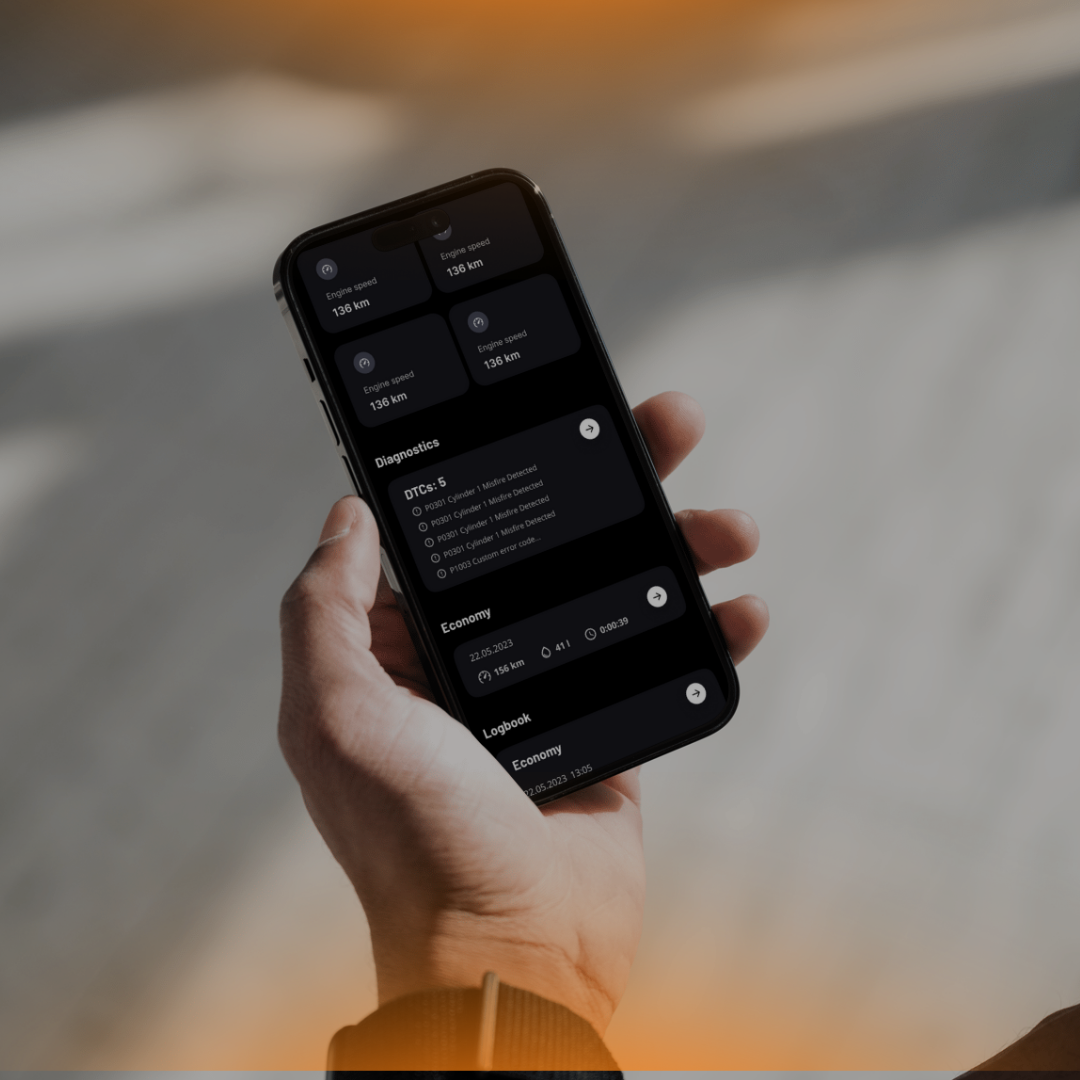
How to update InCarDoc to Pro version on iOS devices
Frequently asked a question on our InCarDoc portal - How to update InCarDoc to Pro version on iOS devices? Some functionality is available only in PRO version, so if you need to empower the application capacity - read this article.

How we measure data for statistics
InCarDoc Server receives from mobile clients summary file(s) with fuel usage. Statistics is split by time intervals with 5 minutes duration (or less). Our server uses calculated average speed for each interval to determine driving cycle style.
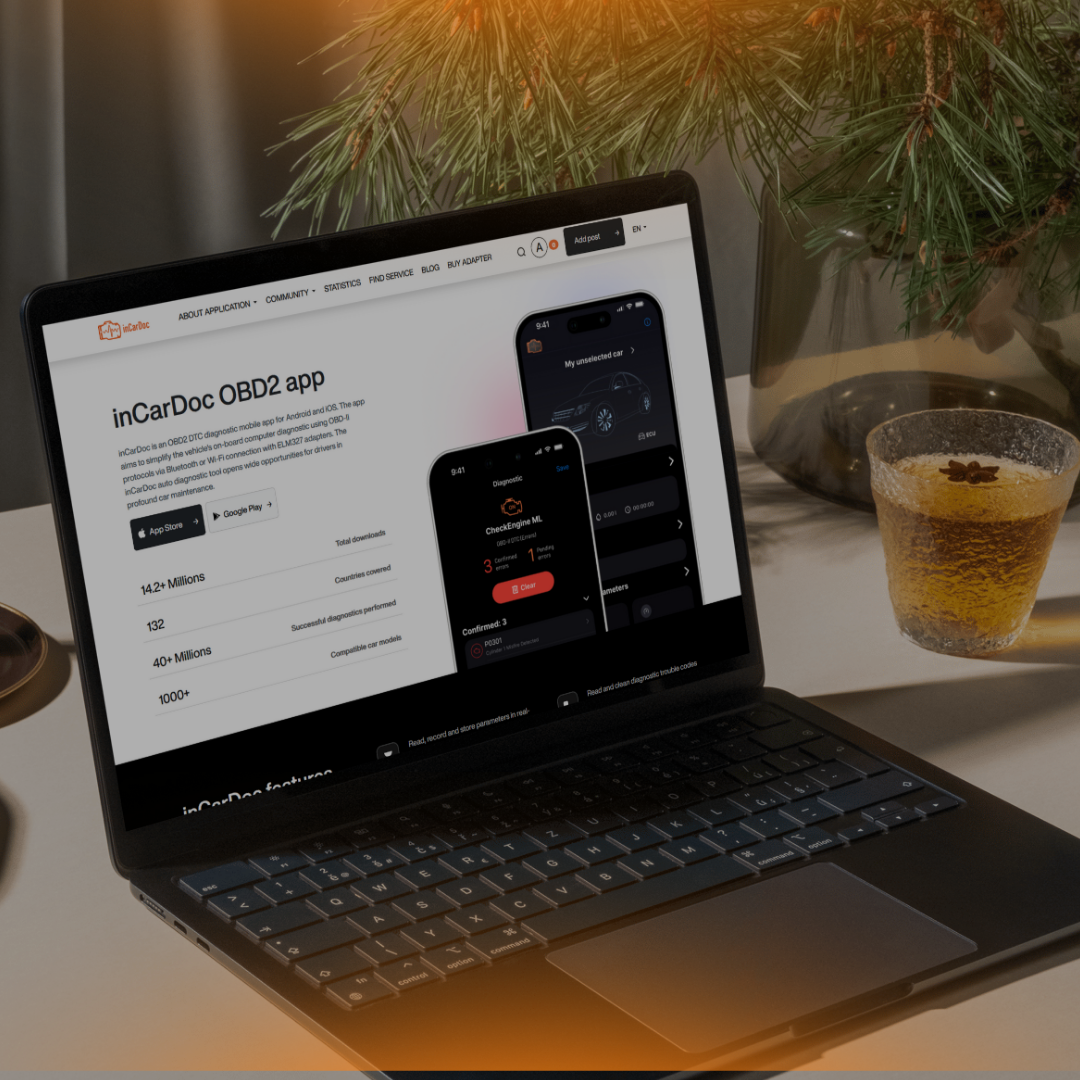
About InCarDoc Portal
The popularity of the InCarDoc app is constantly growing so our development team has immediately created a portal devoted to informing and supporting users. Here you can find relevant, interesting information, ask questions and communicate with other members of the InCarDoc community.

Geo-referenced parameters with GPS (Pro) supporting
One of InCarDoc's functions is "GPS support (Pro) for linking parameters to a route". We offer to consider a very necessary and useful option and disassemble it in details. GPS support for
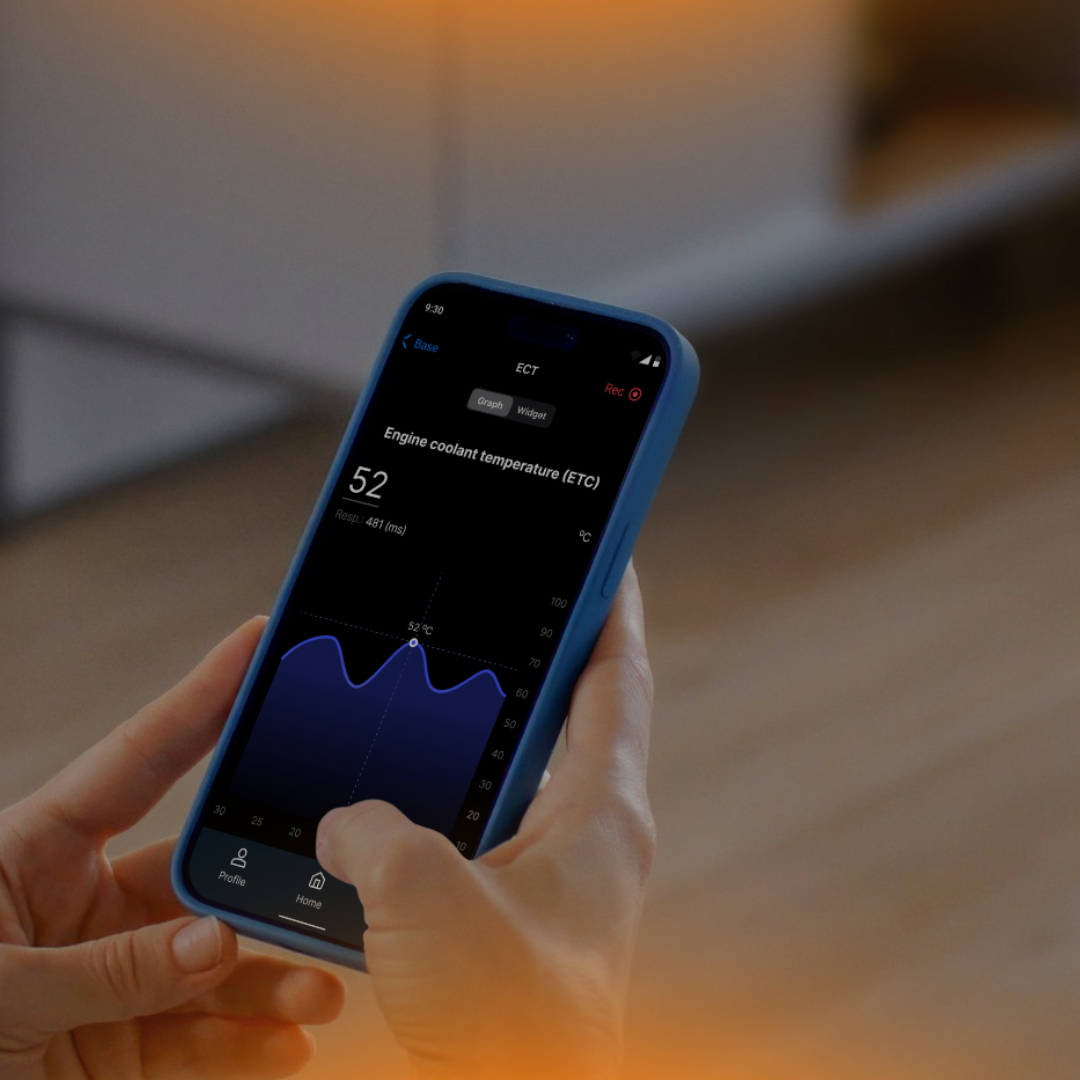
Find Service - new InCarDoc functionality
Our development team has implemented one more functionality for users "Find a service". Here you can enter your location by the search and see the possible options offered: Car Repair, Car Rental, Gas Stations, Parking and Car Washes - depending on your choice.
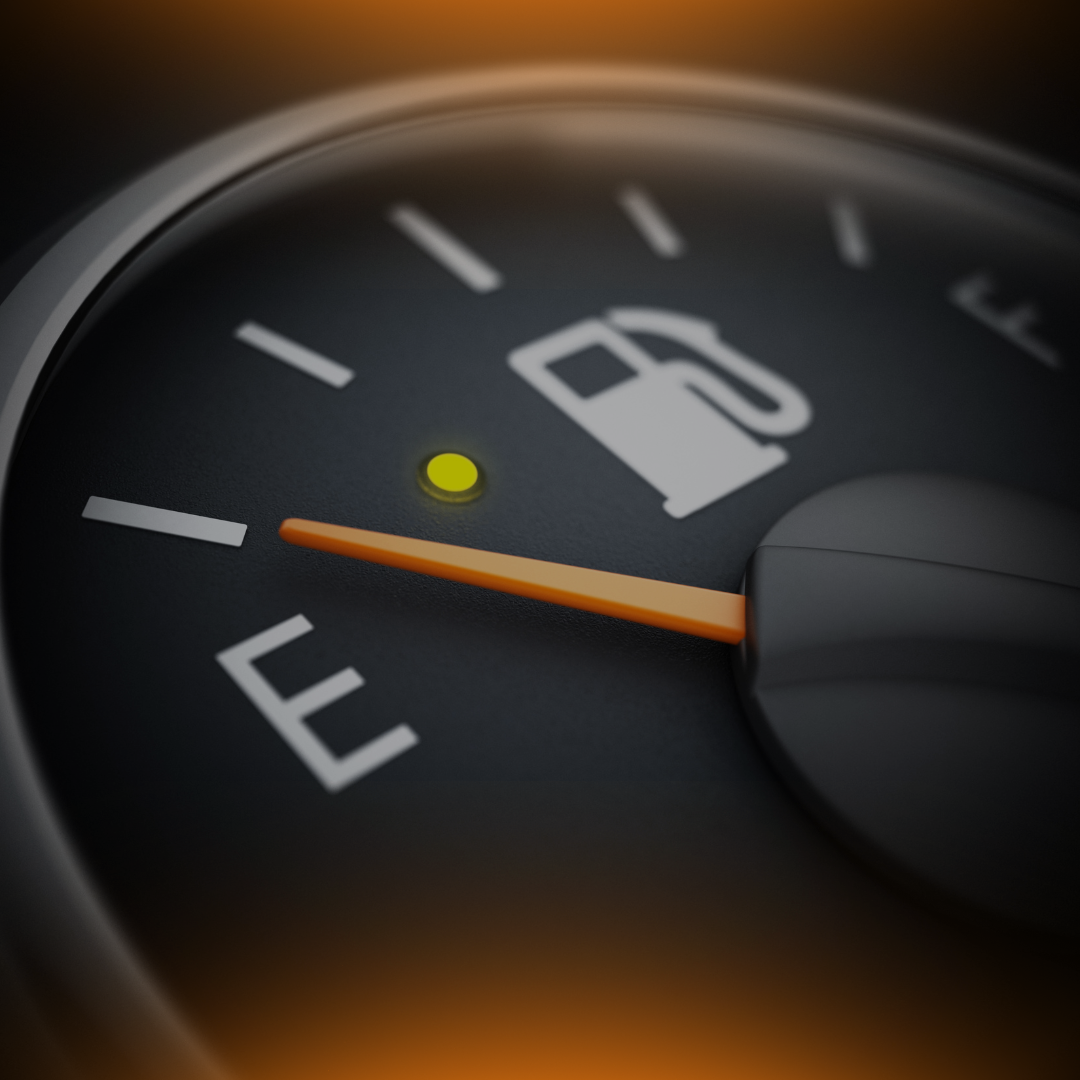
InCarDoc "Economizer" widget
In PRO version of
Personal control at the service station
You can find a maintenance station depending on the preferences or location.
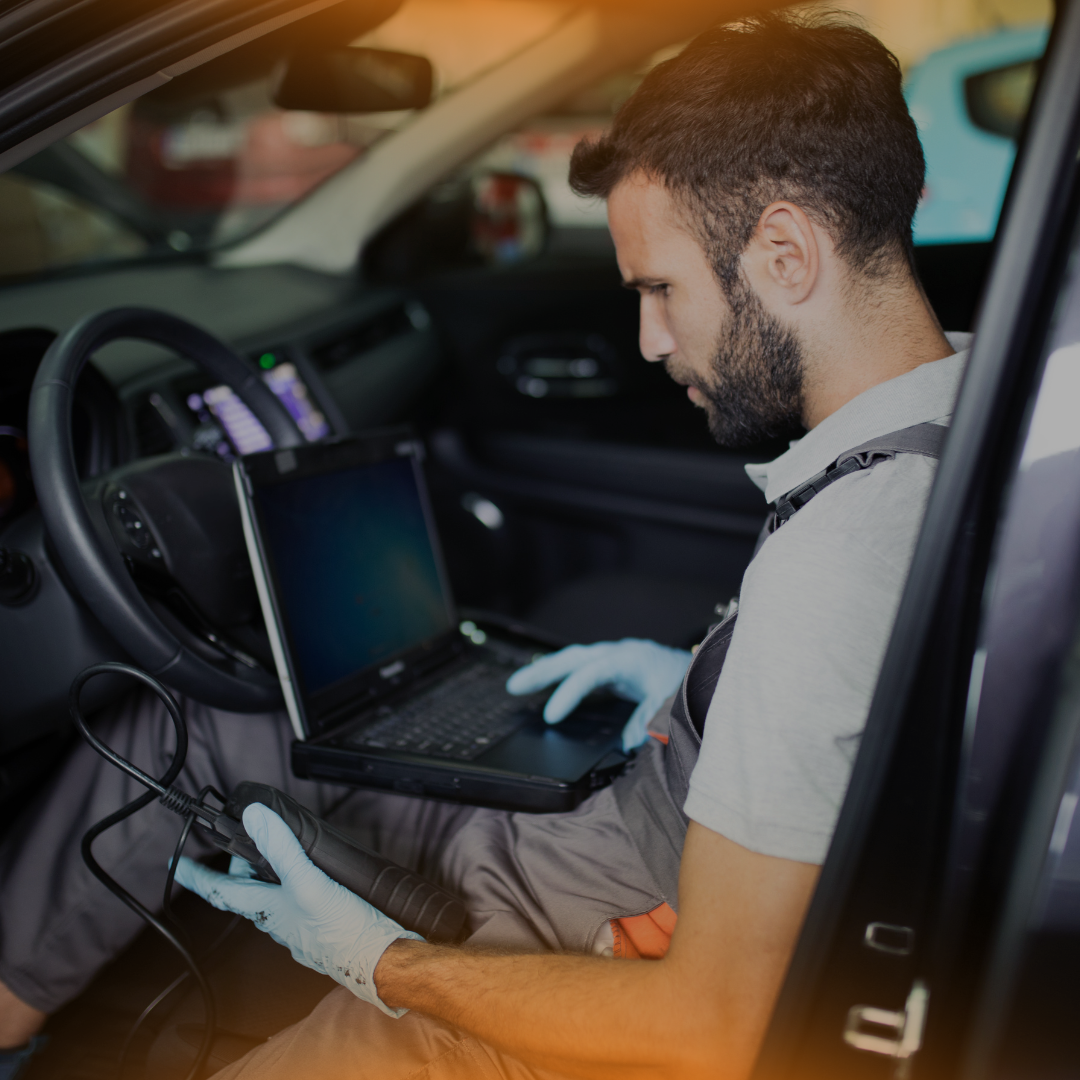
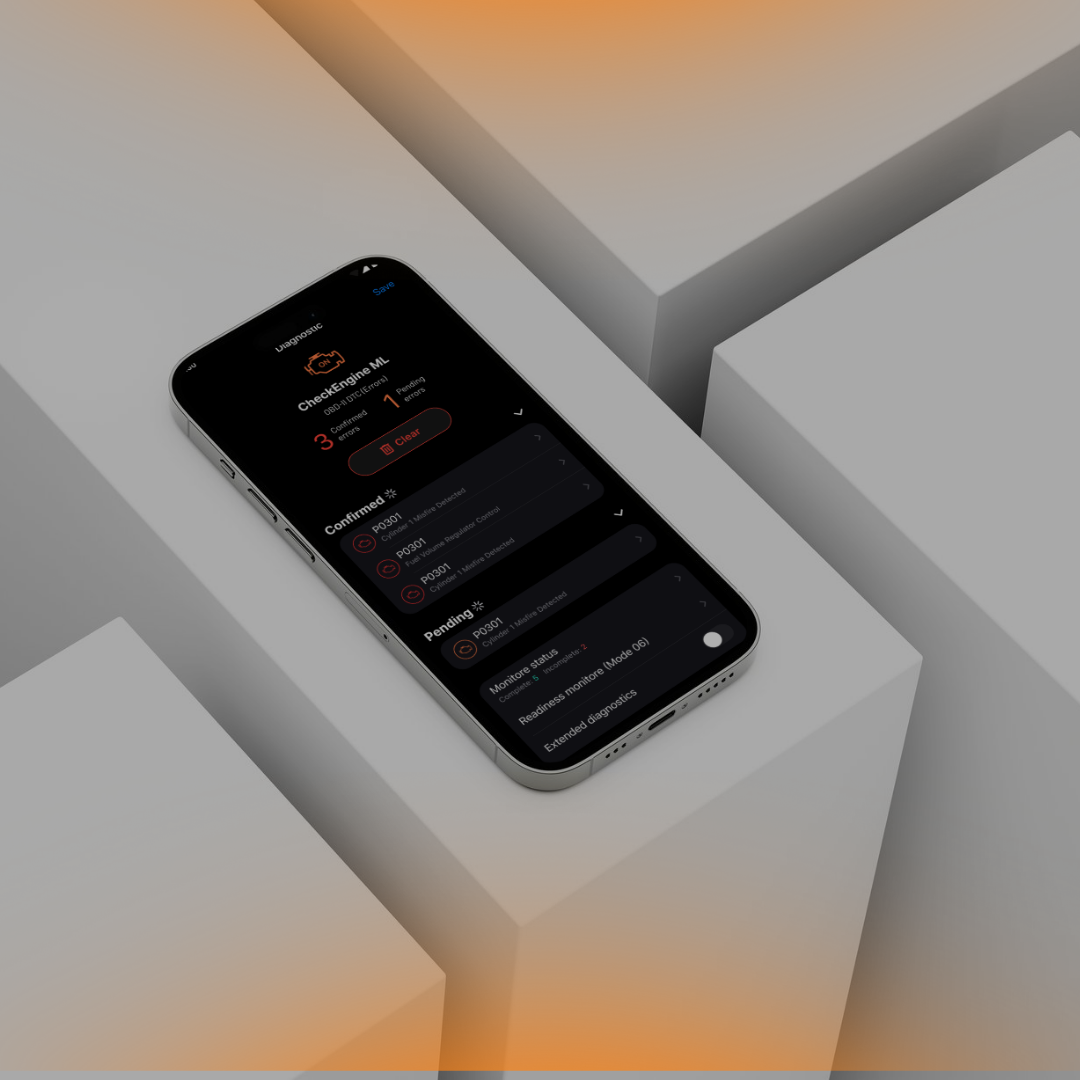
Trouble codes resetting
Before you start working on cleaning DTC, or the "Check Engine" indicator. First of all, you need to connect your smartphone (on which InCarDoc is installed) to the car using the OBD-II adapt. The application can read and clean trouble codes (turn off Check Engine, MIL).
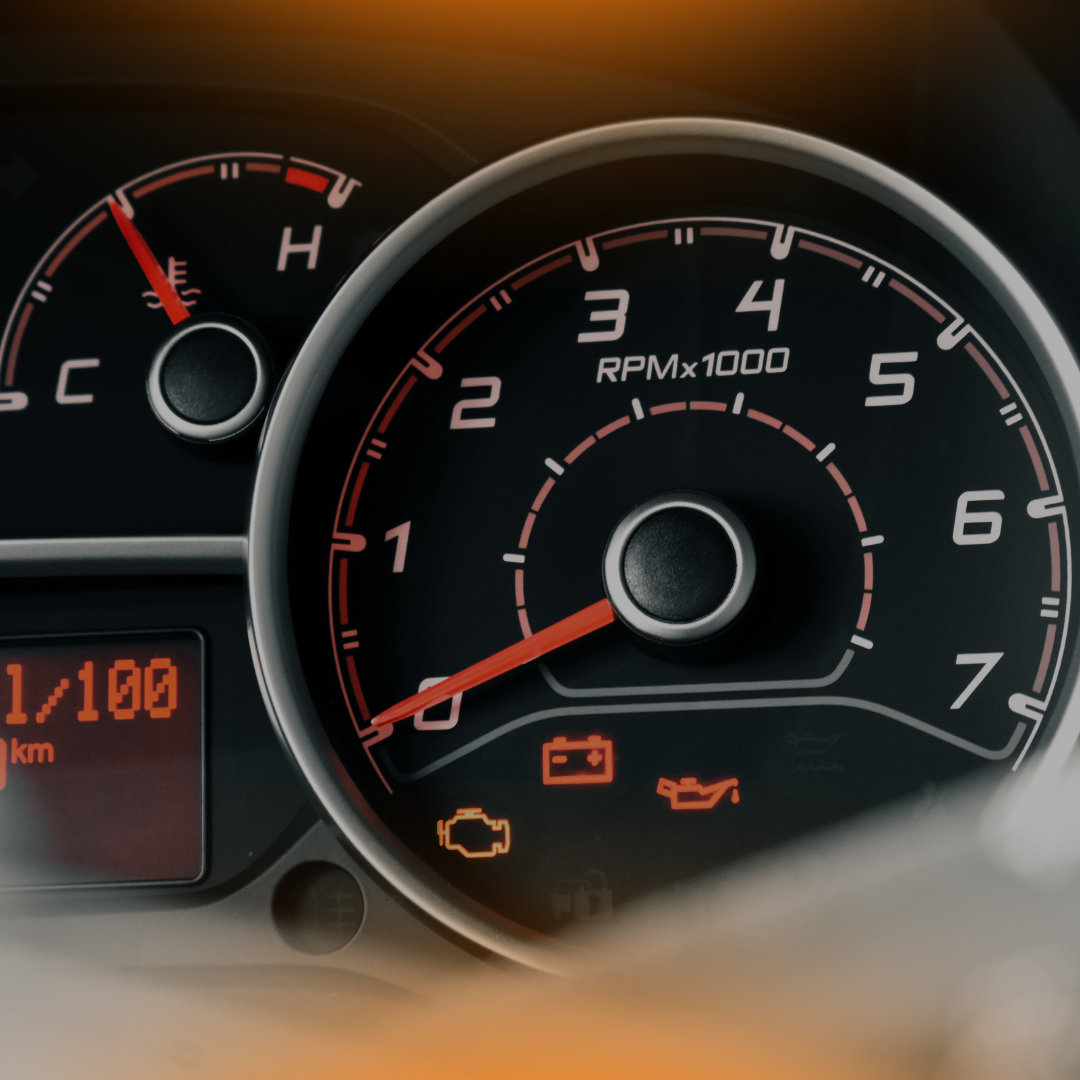
InCarDoc "Acceleration Test" widget
inCarDoc is available for iOS and Android devices and has many functions that can significantly improve the operation of the car. The widget "Acceleration Test" works in two modes: acceleration mode and travel mode.