

OBD2 Adapters Compatible with inCarDoc

OBD2 Adapters Compatible with inCarDoc

Choose the right OBD2 adapter for your smartphone and vehicle to use inCarDoc for diagnostics, trouble code reading, live data monitoring, and other OBD2 features.

inCarDoc works with compatible ELM327-based and ELM327-compatible OBD2 adapters using Bluetooth, Bluetooth Low Energy (BLE), or Wi-Fi.

OBD2 Adapter Compatibility

  • 14M+

    App downloads worldwide With over 14 million downloads, InCarDoc is one of the most widely used OBD2 scanner apps for reading engine fault codes, monitoring live vehicle data, and tracking fuel consumption.
  • 3

    Connection Types Bluetooth, Bluetooth Low Energy (BLE), and Wi-Fi adapters can be used with inCarDoc depending on your mobile device.
  • 500K+

    Active Users Users consistently rate InCarDoc highly for diagnostic accuracy, app reliability, and ease of use — reflecting the team's commitment to delivering a best-in-class OBD2 experience.
What Is an ELM327 OBD2 Adapter?

What Is an ELM327 OBD2 Adapter?

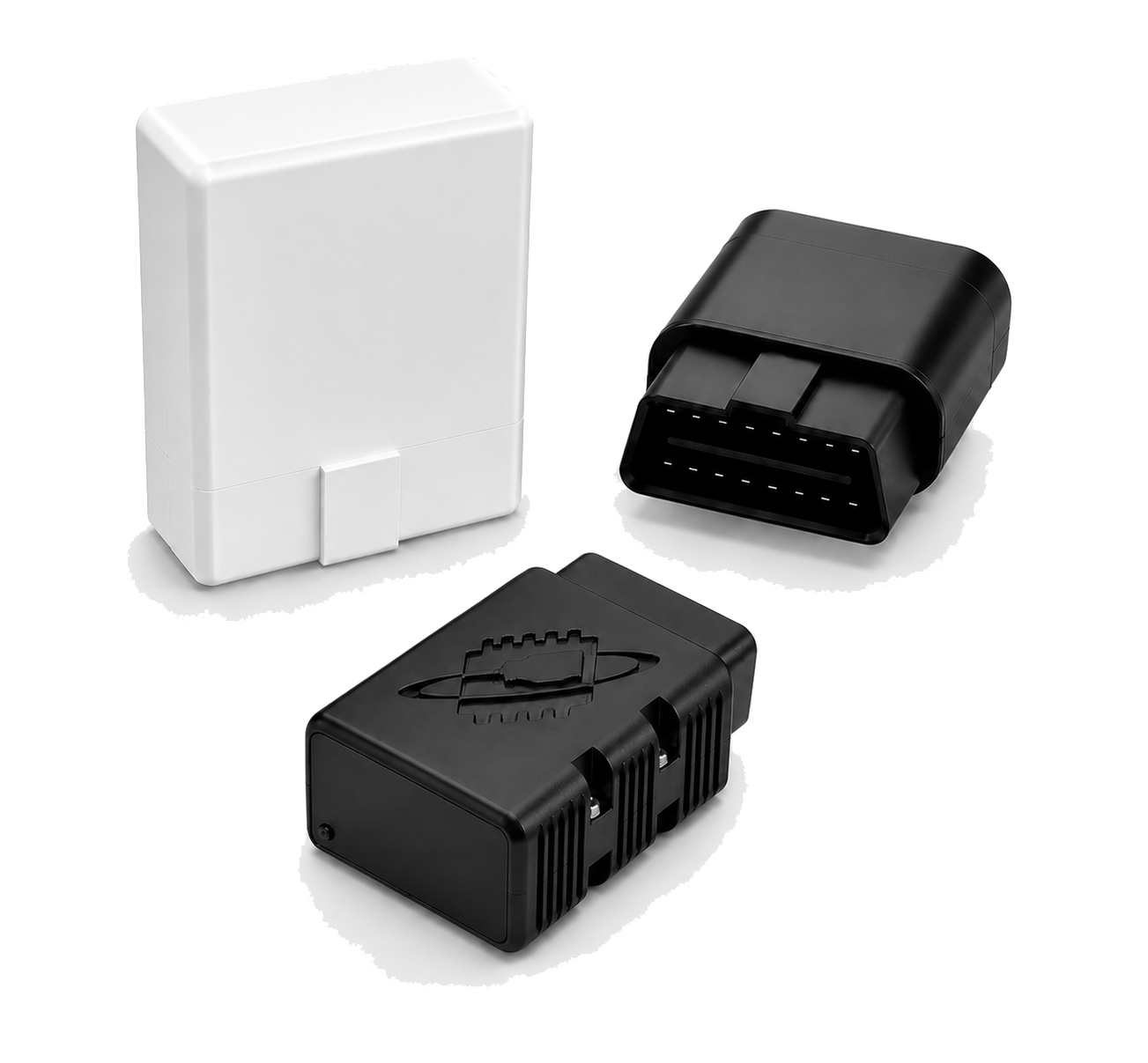
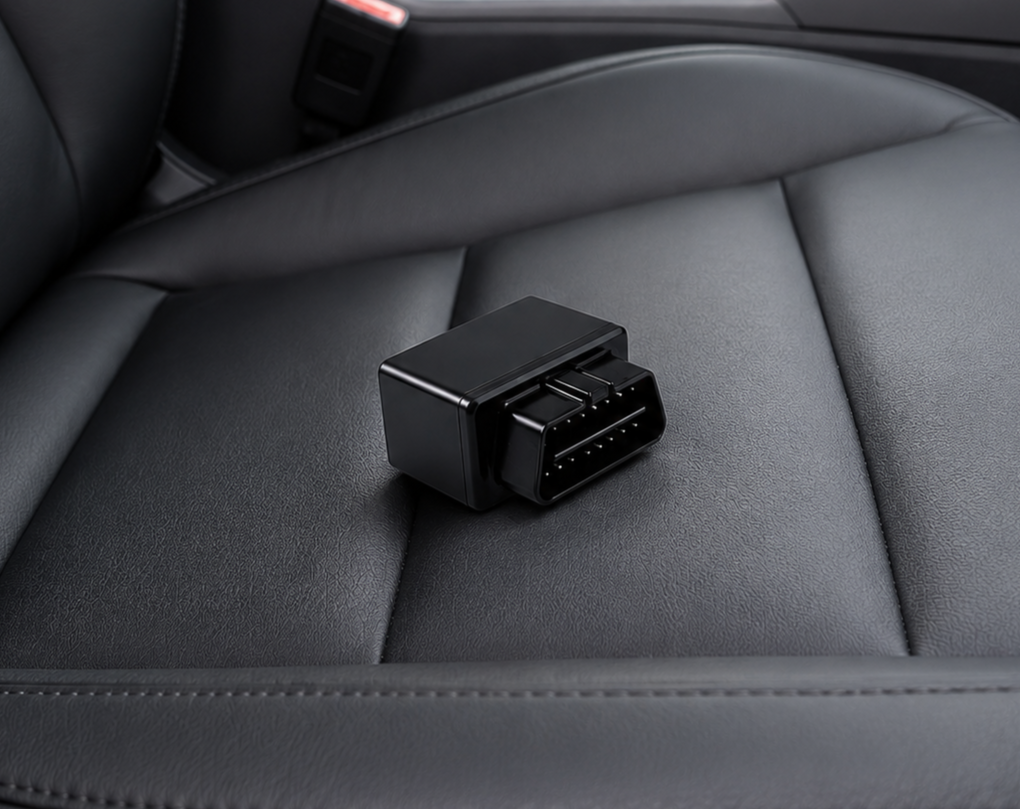
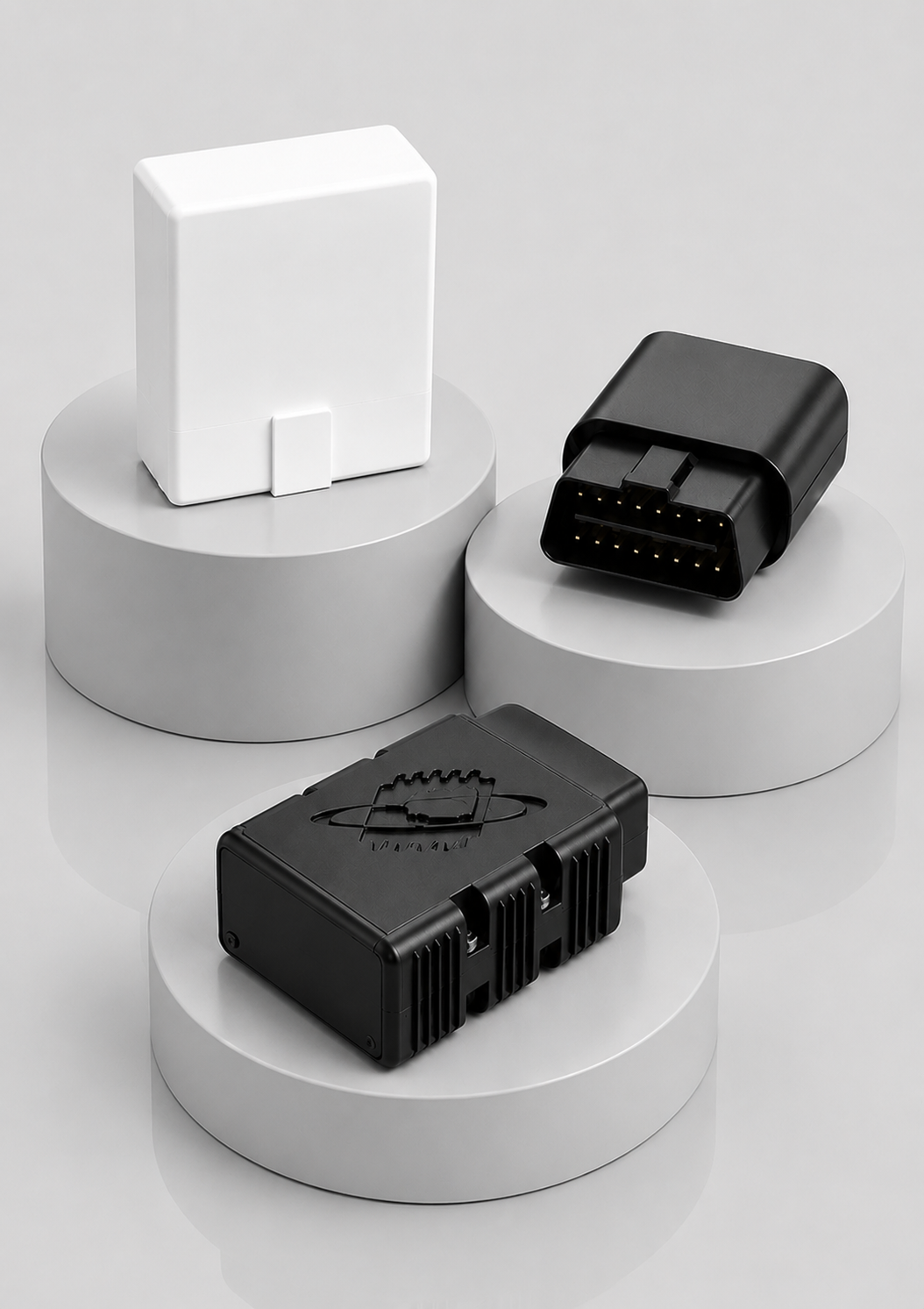
ELM327 is an OBD-II interpreter originally developed to communicate with a vehicle's onboard diagnostic system. An ELM327-based adapter acts as an interface between your vehicle's ECU and a smartphone or tablet. The adapter is plugged into the vehicle's 16-pin OBD2 diagnostic port and transfers diagnostic information to the inCarDoc app through Bluetooth, BLE, or Wi-Fi.
Which OBD2 Adapters Work with inCarDoc?

The most important factor is not the shape or brand of the adapter, but its communication type, OBD2 compatibility, and implementation quality.

Android

inCarDoc for Android can work with compatible:

  • Bluetooth Classic ELM327 adapters
  • Bluetooth Low Energy (BLE) adapters
  • Wi-Fi OBD2 adapters

Compatible adapter families may include OBDLink, Vgate, Kiwi, and other ELM327-compatible interfaces.

iPhone and iPad

For iOS and iPadOS, choose:

  • Bluetooth Low Energy (BLE) adapters
  • Wi-Fi OBD2 adapters

A generic Bluetooth Classic ELM327 adapter designed for Android may not work with an iPhone or iPad. When purchasing an adapter for iOS, make sure the manufacturer explicitly specifies BLE, Bluetooth Low Energy, iPhone, iPad, or iOS compatibility.

Which OBD2 Adapters Work with inCarDoc?

How to Choose a Good OBD2 Adapter

01

Choose the Correct Connection Type

First check which connection is supported by your phone.

Android: Bluetooth Classic, BLE, or Wi-Fi

iPhone / iPad: BLE or Wi-Fi

02

Check OBD2 Protocol Support

A good adapter should support the standard OBD-II protocols. The required protocol depends on the vehicle. For example:

  • ISO 15765-4 CAN
  • ISO 9141-2
  • ISO 14230-4 (KWP2000)
  • SAE J1850 PWM
  • SAE J1850 VPW
03

Avoid Very Cheap ELM327 Clones

Adapters sold under the ELM327 name can differ significantly internally. Some inexpensive clones use incomplete or modified firmware and may not correctly support all required ELM327 commands. This can result in:

  • unstable connections;
  • failure to detect the ECU;
  • missing sensor parameters;
  • incorrect or incomplete diagnostic data;
  • connection interruptions.

What to Look for When Buying an OBD2 Adapter

Correct Mobile Compatibility

Correct Mobile Compatibility

Check whether the adapter explicitly supports your operating system and required connection type. When purchasing an adapter for iOS, make sure the manufacturer explicitly specifies BLE, Bluetooth Low Energy, iPhone, iPad, or iOS compatibility.

Reliable OBD2 Implementation

Reliable OBD2 Implementation

Avoid choosing an adapter only because the product title says "ELM327." Look for adapter from a manufacturer that provides clear technical specifications, firmware information, support documentation, and compatibility details.

Will it work with my car?

Will it work with my car?

The inCarDoc adapter supports most OBD-II compliant vehicles, including:

  • U.S. vehicles manufactured since 1996
  • European vehicles manufactured since 2003 (diesel since 2004)
  • Japanese vehicles manufactured since 2006

Vehicles manufactured before these years may not support the OBD-II standard and may not be compatible with ELM327 adapters.

How to Connect an OBD2 Adapter to inCarDoc

Once you have selected a compatible adapter:

  1. Plug it into your car's OBD2 port.
  2. Start the engine.
  3. Enable Bluetooth or Wi-Fi on your smartphone.
  4. Follow instructions in screen

Make sure that you select the appropriate connection type in inCarDoc. And that you choose your adapter and start the connection test. For detailed instructions see our complete connection guide.

Start Vehicle Diagnostics with inCarDoc

Choose a compatible OBD2 adapter, connect it to your smartphone, and use inCarDoc to read trouble codes, monitor available live vehicle parameters, and access OBD2 diagnostic information.

Standard

InCarDoc

FREE

PRO

InCarDoc PRO

$4.99

PRO

InCarDoc (PRO)

Free / In-App Purchase $6.99